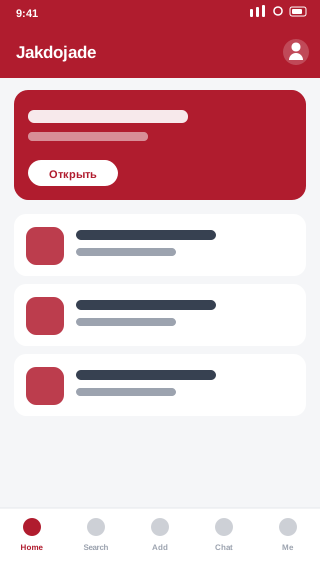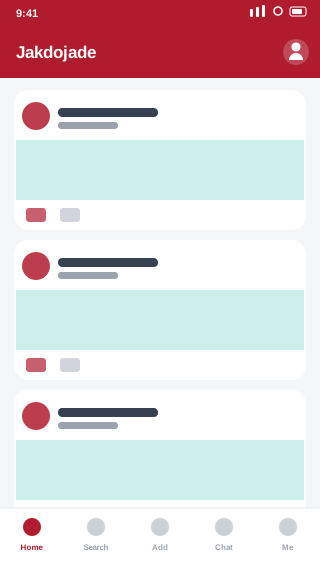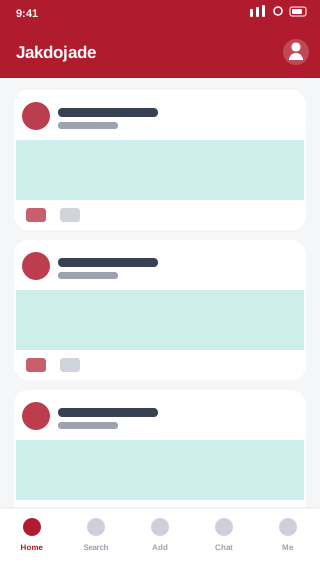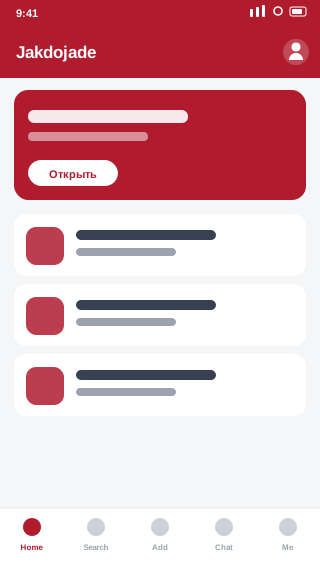
What is PeoPay?
PeoPay is mobile banking from Bank Pekao S.A. Accounts, BLIK payments, currency exchange and quick selfie account opening.
✅ Official source: the button opens the PeoPay listing on Google Play. You install directly from the developer Bank Pekao S.A..
Key features
- BLIK and contactless payments
- In-app currency exchange
- Selfie account opening
- PeoPay KIDS for children
How to install PeoPay on Android
Installation takes a couple of minutes and requires no changes to your phone settings.
Step 1: Open the app listing
Tap the download button above — the official PeoPay page on Google Play opens, sourced from the developer Bank Pekao S.A..
Step 2: Install
On the Google Play page tap Install. The app downloads and installs automatically.
Step 3: Launch
After installation tap Open or find the PeoPay icon. You may need to sign in on first launch.
Requirements
| Parameter | Value |
|---|---|
| Android | 8.0+ |
| Size | 105 MB |
| Developer | Bank Pekao S.A. |
Frequently asked questions about PeoPay
Is PeoPay free to download? ▲
Yes. PeoPay is free, and AppDown charges nothing for the redirect or installation. The app itself may include paid features or subscriptions — that depends on the developer Bank Pekao S.A..
Is it safe to install PeoPay from this page? ▼
Yes. The button on this page opens the official PeoPay listing on Google Play, so the app installs directly from the developer Bank Pekao S.A.. We do not host or modify APK files.
How is this page different from Google Play? ▼
We gather app information in one place: description, requirements, size and similar apps. It helps you decide whether PeoPay suits you. Installation itself happens through official Google Play.
How do I update PeoPay? ▼
Updates arrive automatically through Google Play if auto-updates are enabled. You can also check manually in Google Play under pending updates.
Which Android version does PeoPay require? ▼
The minimum is Android 8.0. It will not install on older versions.
How much space does PeoPay take? ▼
The install size is about 105 MB. It grows over time due to cache and user data. Clear cache in settings: Apps → PeoPay → Storage.
Summary
Download PeoPay for free on AppDown.