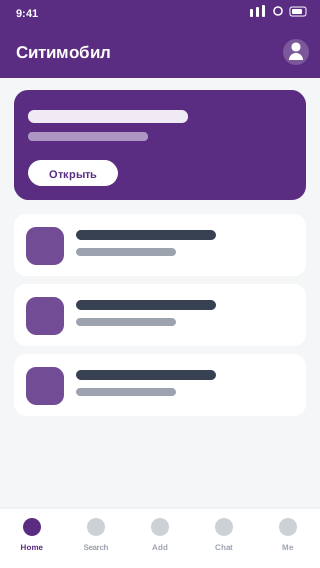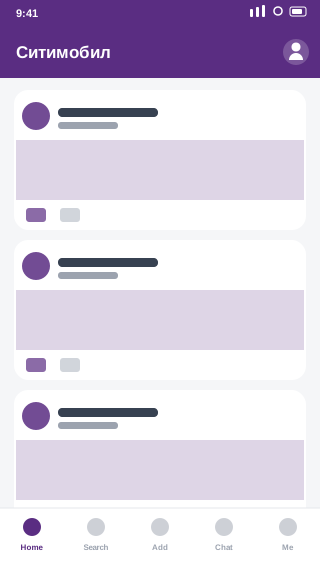
What is Citymobil?
Citymobil is a Russian ride-hailing service operating in Moscow and other big cities. It offers various tariffs and often competitive prices, serving as an alternative for comparing fares.
✅ Official source: the button on this page leads to the Citymobil listing on Google Play. The app installs directly from the developer, City-Mobil — no third-party builds.
Key features
- Ride-hailing across various tariffs
- Fare known upfront
- In-app card payment
- Works in Moscow and major Russian cities
How to install Citymobil on Android
Installation takes a couple of minutes and needs no changes to your phone settings.
Step 1: Open the app listing
Tap the download button above — the official Citymobil page on Google Play will open. That's the source from the developer, City-Mobil.
Step 2: Install
On the Google Play page, tap Install. The app downloads and installs automatically — nothing to unpack or confirm.
Step 3: Launch
After installing, tap Open or find the Citymobil icon on your home screen. You may need to sign in or register on first launch.
System requirements
| Parameter | Value |
|---|---|
| Android | 7.0+ |
| Size | 95 MB |
| Developer | City-Mobil |
Frequently asked questions about Citymobil
Is Citymobil free to download? ▲
Yes. Citymobil is free to download, and AppDown charges nothing for the link or the install. The app itself may include paid features or a subscription — that depends on the developer, City-Mobil.
Is it safe to install Citymobil from this page? ▼
Yes. The button on this page leads to the official Citymobil listing on Google Play, so the app installs directly from the developer, City-Mobil. We don't host APK files or modify anything, so you get exactly the build the developer released.
How is this page different from Google Play? ▼
We gather the app's information in one place: description, requirements, size and similar apps — in five languages. That helps you decide whether Citymobil suits you before installing. The install itself happens through the official Google Play.
How do I update Citymobil? ▼
Updates arrive automatically through Google Play if app auto-update is enabled. To check manually, open Google Play and look at your list of apps for available updates.
What Android version does Citymobil need? ▼
The minimum is Android 7.0. The app won't install on older versions. For stable performance, Android 10 or newer is recommended.
How much space does Citymobil take up? ▼
The install size is around 95 MB. After installation it takes more, due to cache and user data. You can clear the cache in Android settings: Apps → Citymobil → Storage.
Conclusion
Download the latest version of Citymobil free on AppDown.